





Sketch & Fill Adobe Illustrator Plugin for Garment Sketching and Artwork Scaling
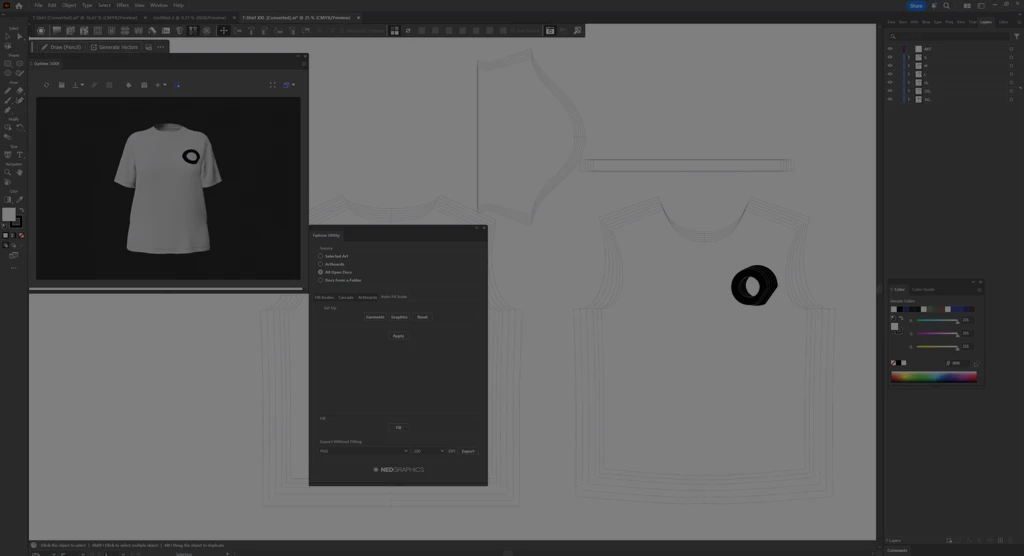
Efficient garment sketching with automatic color placement and design scaling
Built for both conceptual design and production-ready workflows, Sketch & Fill connects design creativity with technical accuracy, helping teams move seamlessly from concept to manufacturing.

Fast and Intuitive Garment Sketching

Fabric, Color,
and Pattern Filling

Assign and pitch
colors

Automatic Artwork
Scaling
Compatibility with Optitex Tools
Sketch & Fill → PDS
Design garment sketches in Sketch & Fill, add measurements, export a tech pack, and save the sketch as an image (PNG, JPEG, TIFF).
The tech pack can then be used to create a production-ready garment in PDS, while the sketch image serves as a preview for the pattern design file.
PDS → Sketch & Fill
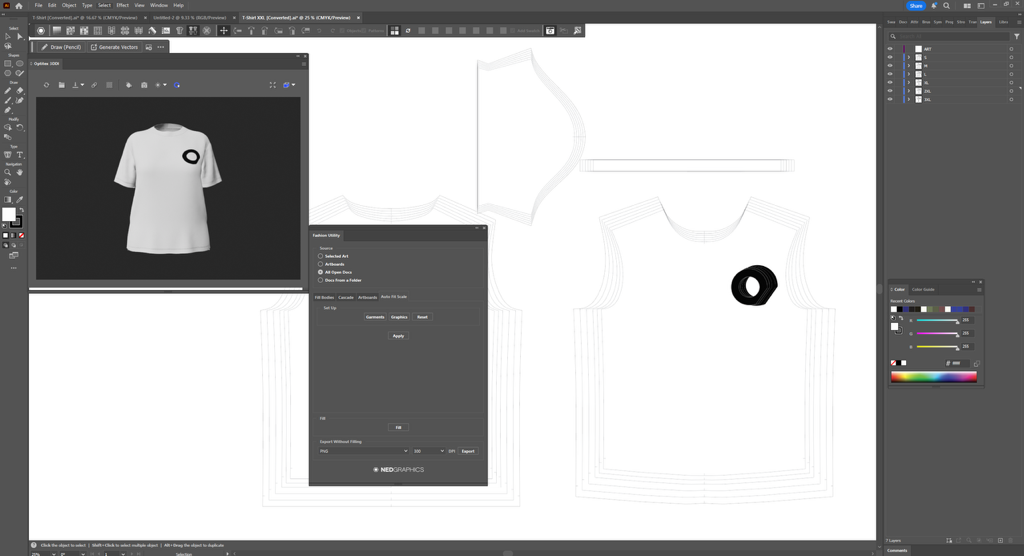
Export 2D patterns from PDS as .ai files and open them in Adobe Illustrator. Designers can then add logos or graphics to the base size and use Sketch & Fill to scale artwork across selected sizes.
PDS → 3DDI → Sketch & Fill
Export patterns from PDS as .ai files and open them in Adobe Illustrator. Add logos or design elements to the base size, simulate them on the 3D garment using 3DDI, and once approved, use Sketch & Fill to scale design across selected sizes.
PDS → Sketch & Fill → Print & Cut → Marker
Create garment pattern pieces in PDS and export them as .ai files. Place the required graphics on the base size pattern pieces, then use the Sketch&Fill Illustrator plugin to scale the graphics to all selected sizes. Finally, save each pattern piece with its design using the Print&Cut Illustrator plugin.
At the same time, generate the nested layout of the pattern pieces in Marker to optimize material usage. Then import the finalized artwork PDFs into the nested pieces within Marker.
Finally, export the complete marker layout as a PDF for digital printing and cutting, ensuring accurate artwork placement on every production piece.
Designed for Connected Fashion Workflows
Ready to Improve Your Garment Design Workflow?
Contact us to learn how Sketch & Fill can enhance your fashion design and production process.